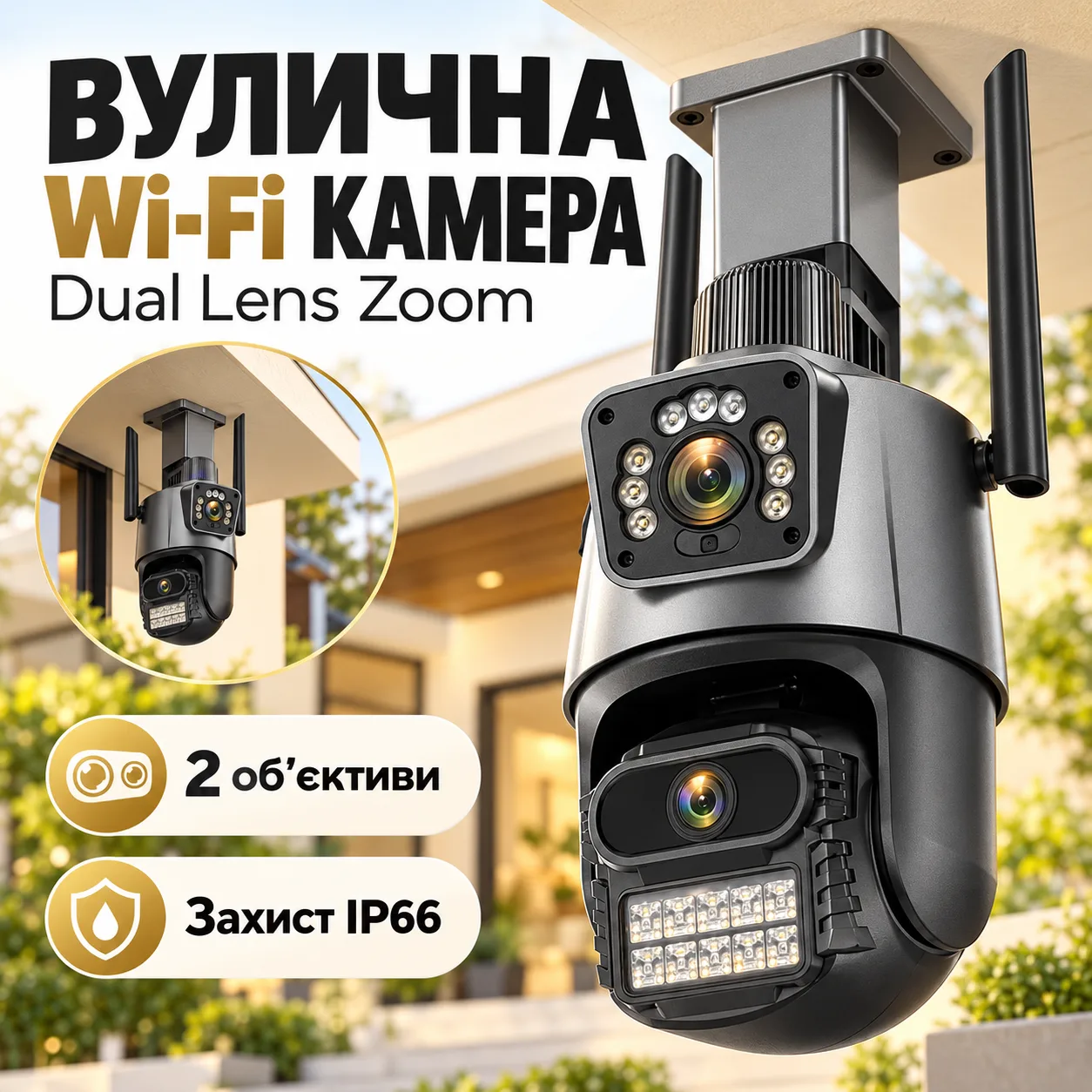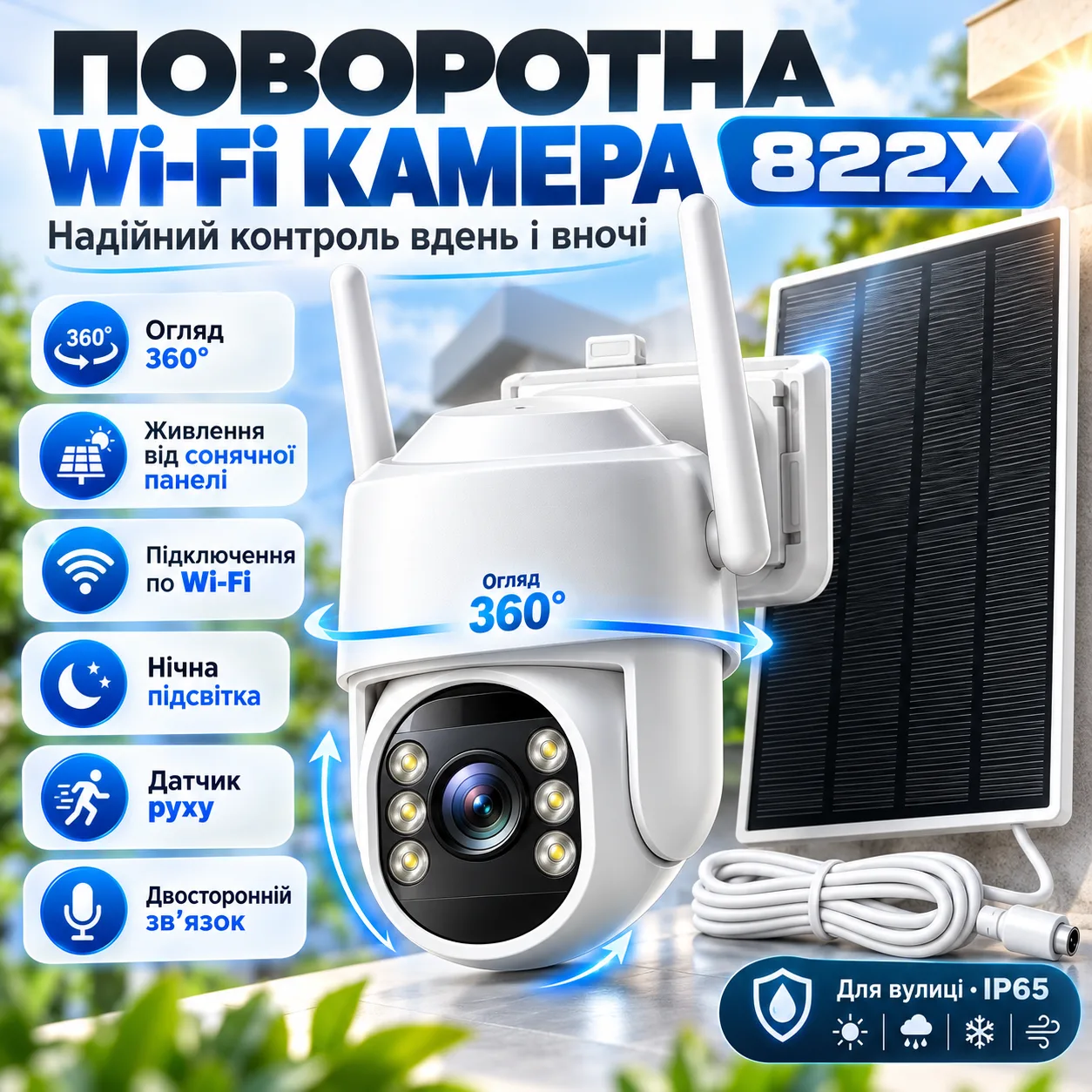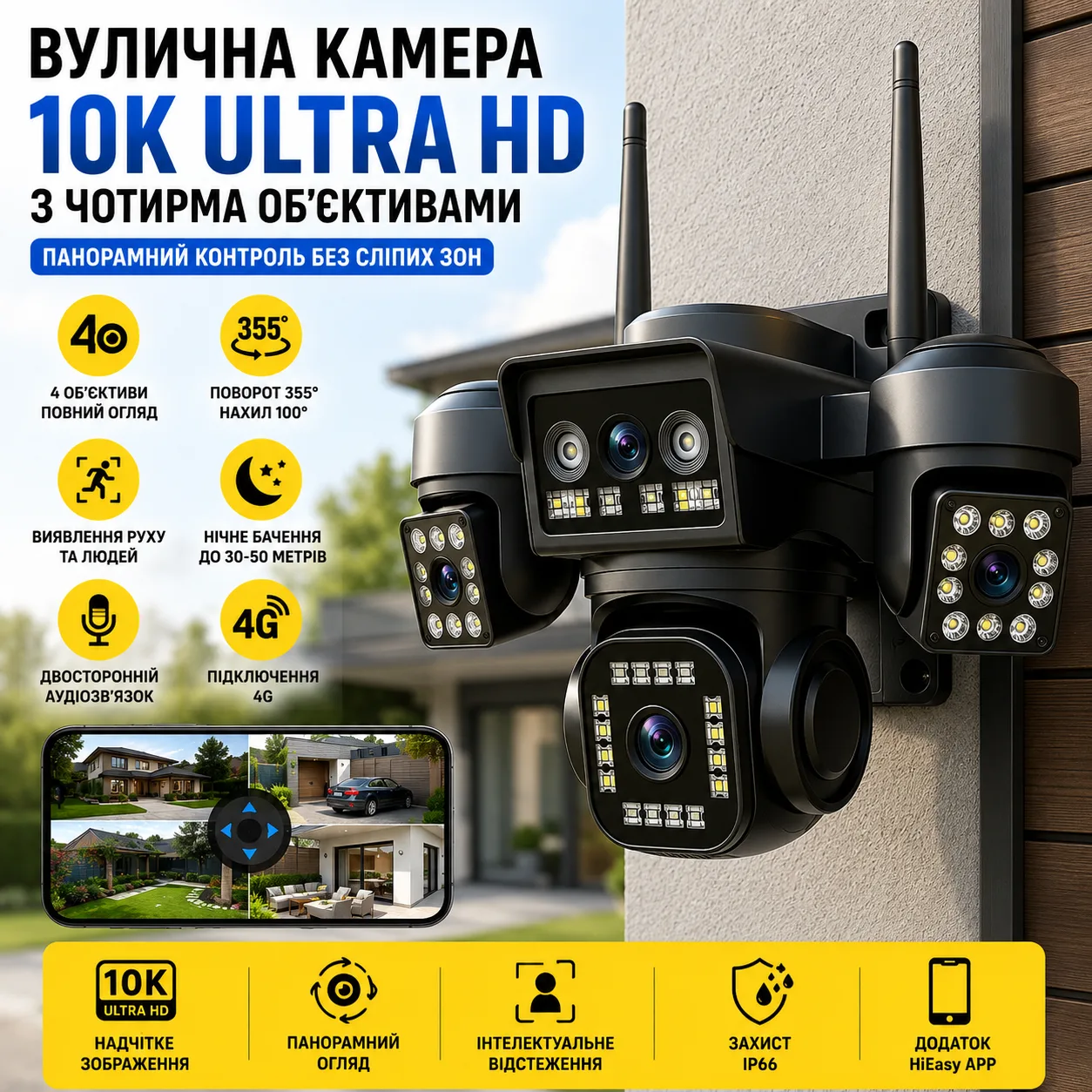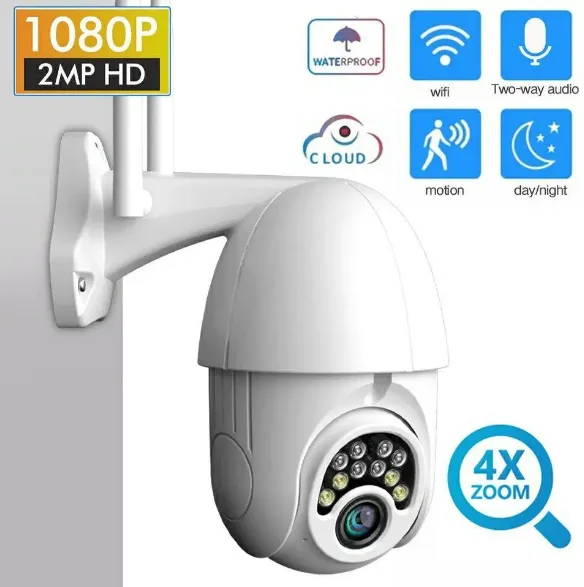
Outdoor IP Camera PTZ WiFi Sdeter IPC-V380-Q10 1080p
Description
Description. Outdoor IP surveillance pan-tilt WiFi camera Sdeter IPC-V380-Q10 1080P. Pan-tilt weatherproof IP Wi-Fi camera Sdeter IPC-V380-Q10 1080P Onvif. v380. Connecting the camera to the V380 Pro app: 1. Install the V380 Pro app (grant it all permissions during installation). 2. Register in the app. 3. Connect your phone to the WiFi network you will connect the camera to. 4. Turn on GPS on your phone (during camera setup). 5. Tap «add camera» (+) — Add device. 6. Select WiFi camera. 7. Press the Reset micro-button with a pin for 10 seconds (it will blink, then the red LED near the Reset hole will stay on). 8. Select the «Equipment» tab on your smartphone screen. 9. You will see the MVxxxxxxxx camera on the radar. Select it (tap on it). 10. Grant the camera permission to manage the WiFi network. Do not disconnect from the camera's WiFi until setup is complete. 11. The router settings menu will appear. Select the WiFi the camera will connect to. Enter the WiFi password. Confirm. 12. A countdown runs and the camera connects to the network. 13. Enter the camera's name or location (for convenience if you have several cameras). 14. The camera is connected to your phone. 15. On first startup, enter a camera password of 6+ letters and digits twice (so no one else can connect). 16. Enjoy. Connecting the camera in the V380 Pro app in AP hotspot mode: Go to settings (gear) — Network — select AP access point mode — enter password — save. Now the camera can be used without WiFi, simply by connecting your phone directly to the camera.
Reviews
No reviews yet. Be the first!